> ## Documentation Index
> Fetch the complete documentation index at: https://docs.thedatacity.com/llms.txt
> Use this file to discover all available pages before exploring further.
# MY LISTS
> Access and simplify your list management process through the My Lists section.
Introducing My LISTS
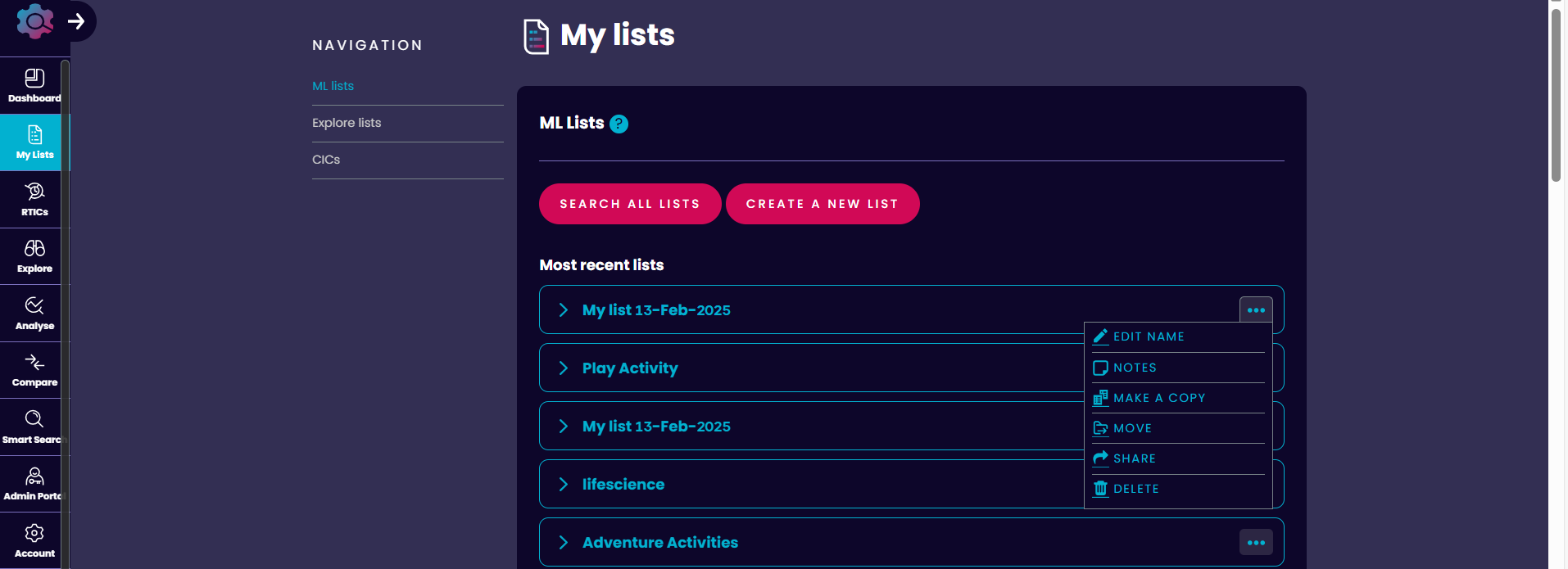
The MY LISTS page allows users to save and view different lists ranging from [Machine Learning (ML) lists](/using-industry-engine/tools/building-an-ml-list), EXPLORE Lists to CICs.
The page simplifies the management and organisation of your lists.
Smart Lists
These are lists of companies built using Machine Learning (ML).
They are built by first defining a training set of companies that are examples of the industry vertical you wish to investigate.
Companies are ranked by how representative they are of the companies selected in the training set. User can easily create their own Smart List by selecting the **CREATE A NEW LIST** tab.
**Building an Smart List**: Find out how to build a list in our detailed [Building an Smart List guide](/using-industry-engine/tools/building-an-ml-list).
Users can view the Smart Lists created by them or any lists shared in the most recent list section.
This section shows only the top few lists, you can access all the Smart Lists in **SEARCH ALL LISTS** section. Lists can be added to folders, shared with other users, edited, and duplicated within this area.
EXPLORE lists
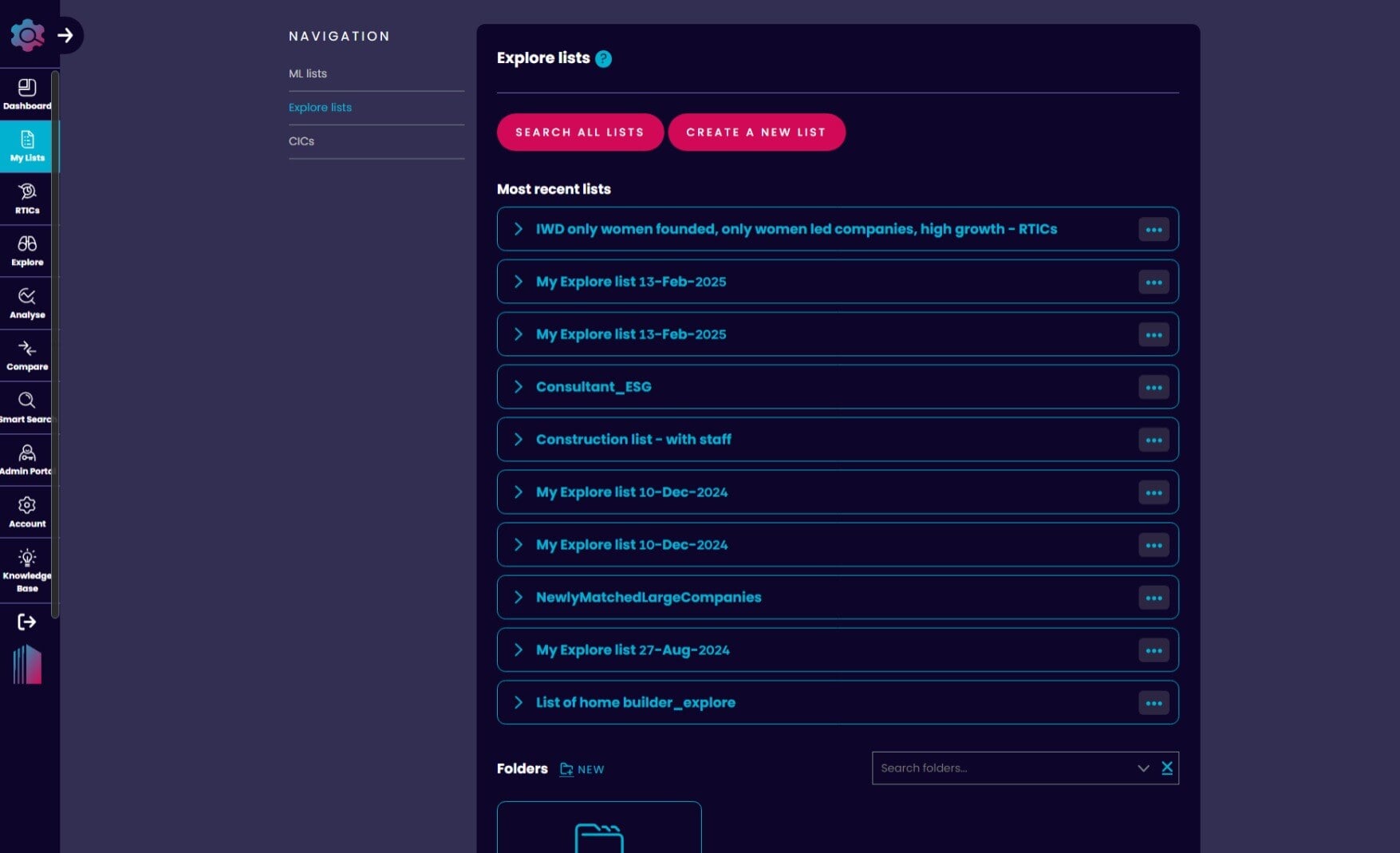
It is a list of companies created by [filtering](/using-industry-engine/features/using-filters) our data in EXPLORE.
Users can save, access, share, and duplicate these lists, similar to Smart Lists.
 **Using EXPLORE**: Find out how to make the most out of this feature in our [Using Explore guide](/using-industry-engine/tools/explore).
CIC's
CIC or Custom Industrial Classifications are identical to [RTICs](/our-data/rtics/what-are-rtics) but are only provided to a select group of platform users.
They are developed using the same process used to build RTICs and are tailored to meet the needs of a specific user base. The CIC's that are available to the user can be accessed in this area.