

Welcome to The Data City
Once logged in, the first thing you will see is your dashboard. When you log in, you’ll land on your dashboard. From here you can jump into saved searches, browse Real-Time Industrial Classifications (RTICs), and see what’s new on the platform.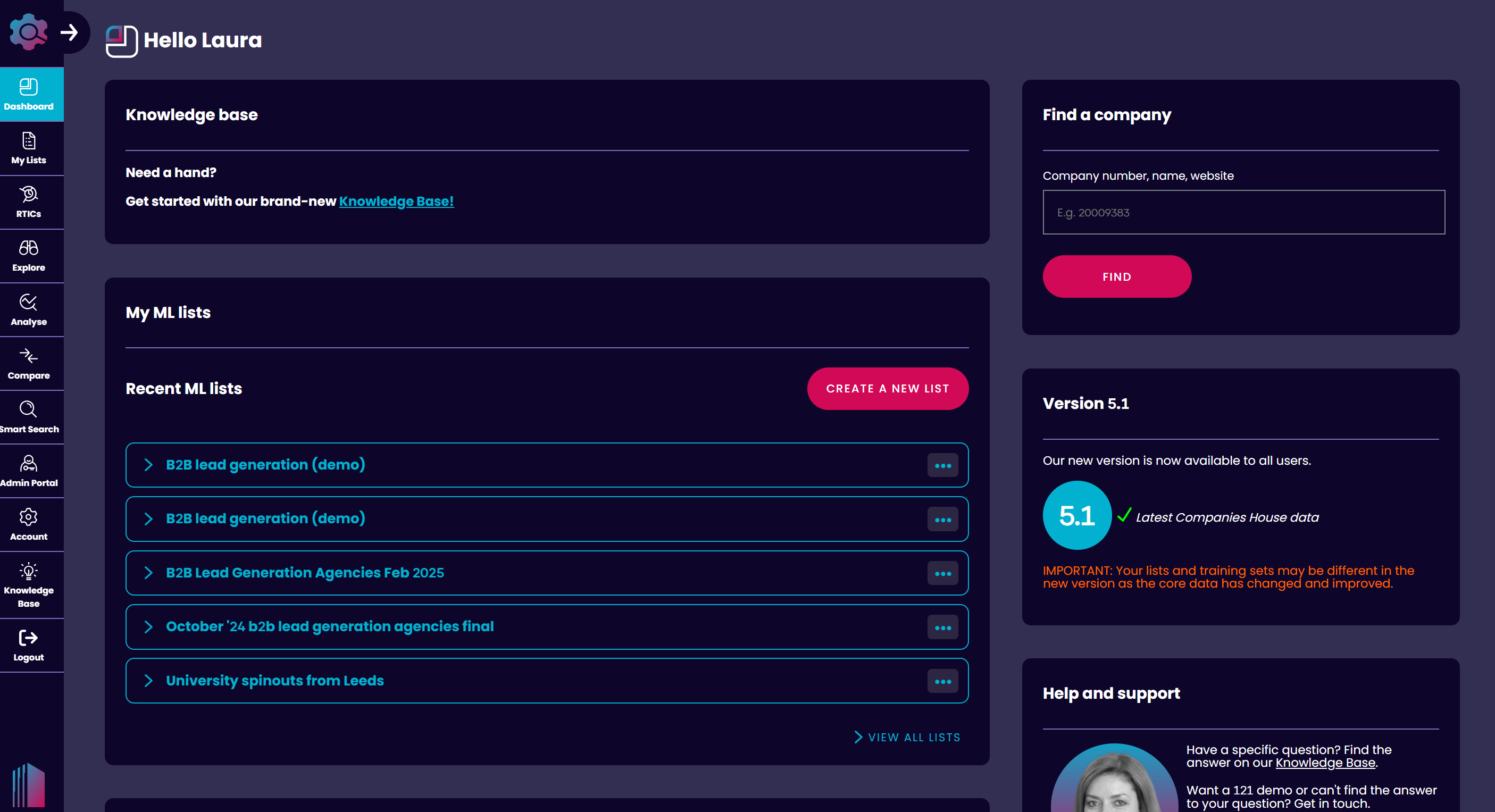
RTICs
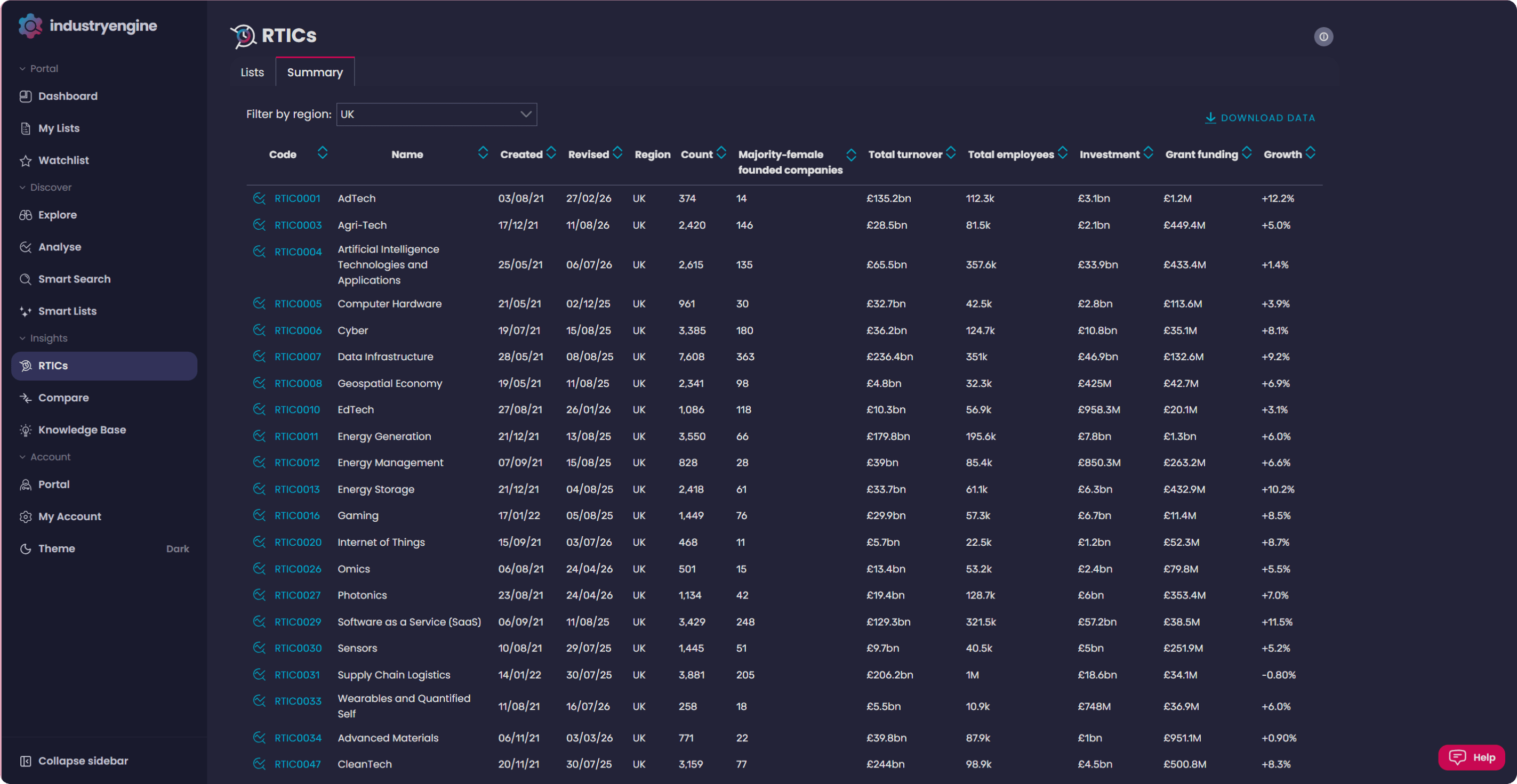
Real-Time Industrial Classifications, or RTICs, are The Data City’s proprietary industry classifications. The platform holds over [confirm count] emerging economy sector classifications, from AgriTech and Net Zero to AI and FinTech, and it’s the best place to start your research. You can see key details for each RTIC from the RTICs tab, including RTIC code, creation date, revised date, companies, description, and verticals. Click the Summary tab to see how each RTIC ranks across the platform. Filter and order sectors by turnover, employees, investment, and growth, or filter by region to spot breakout sectors near you. From there, click through to ANALYSE for a deeper look at sector trends.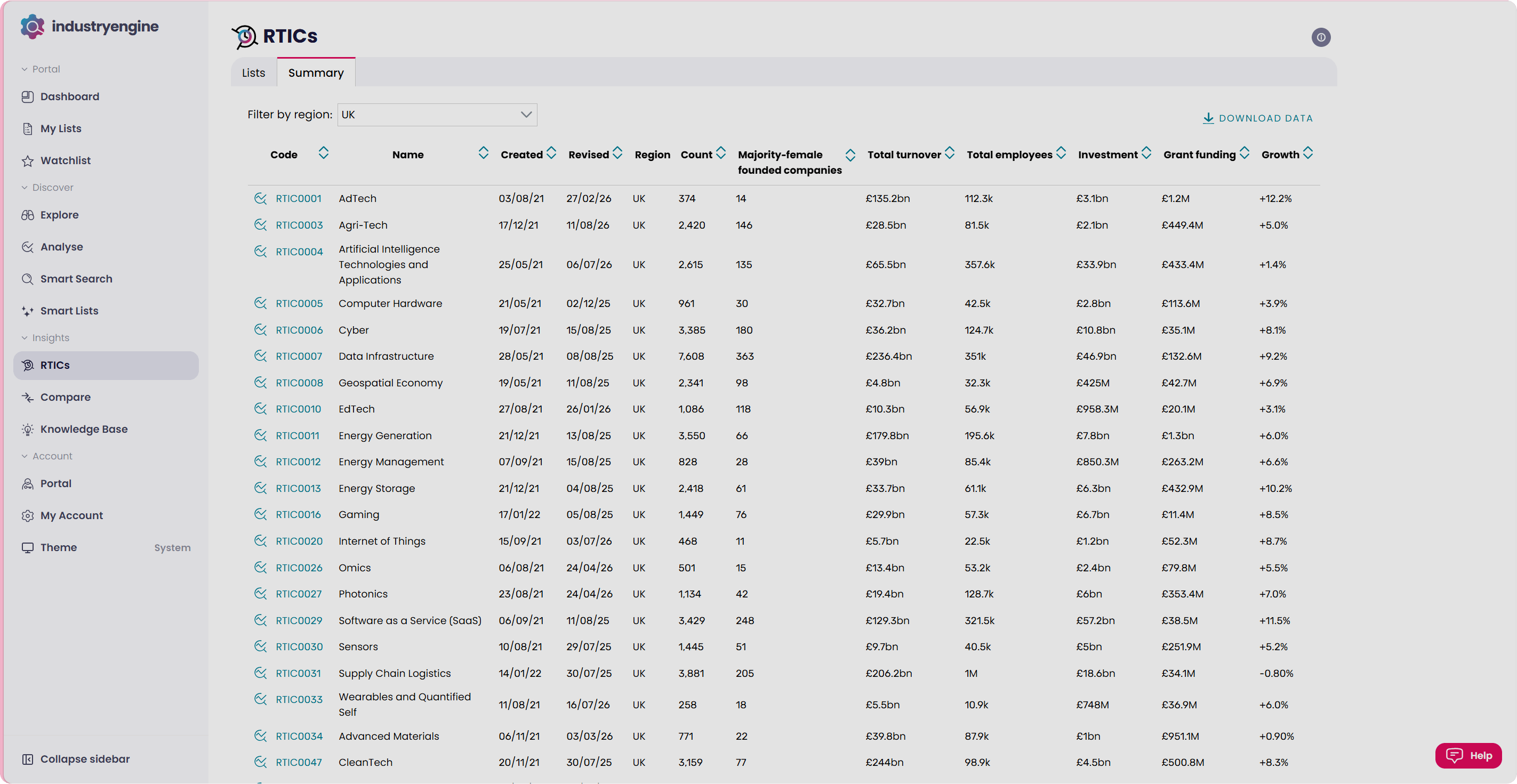
Smart Search
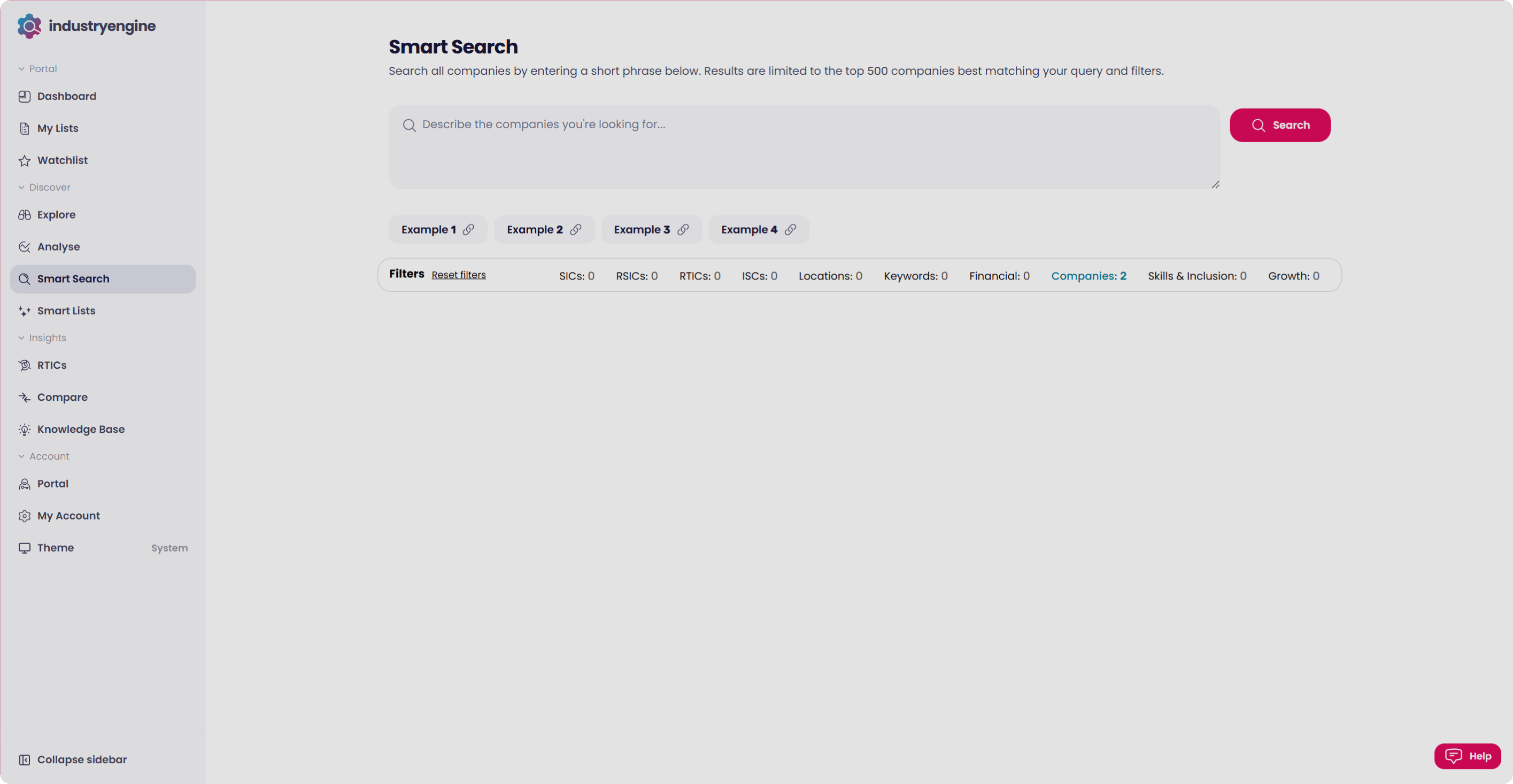
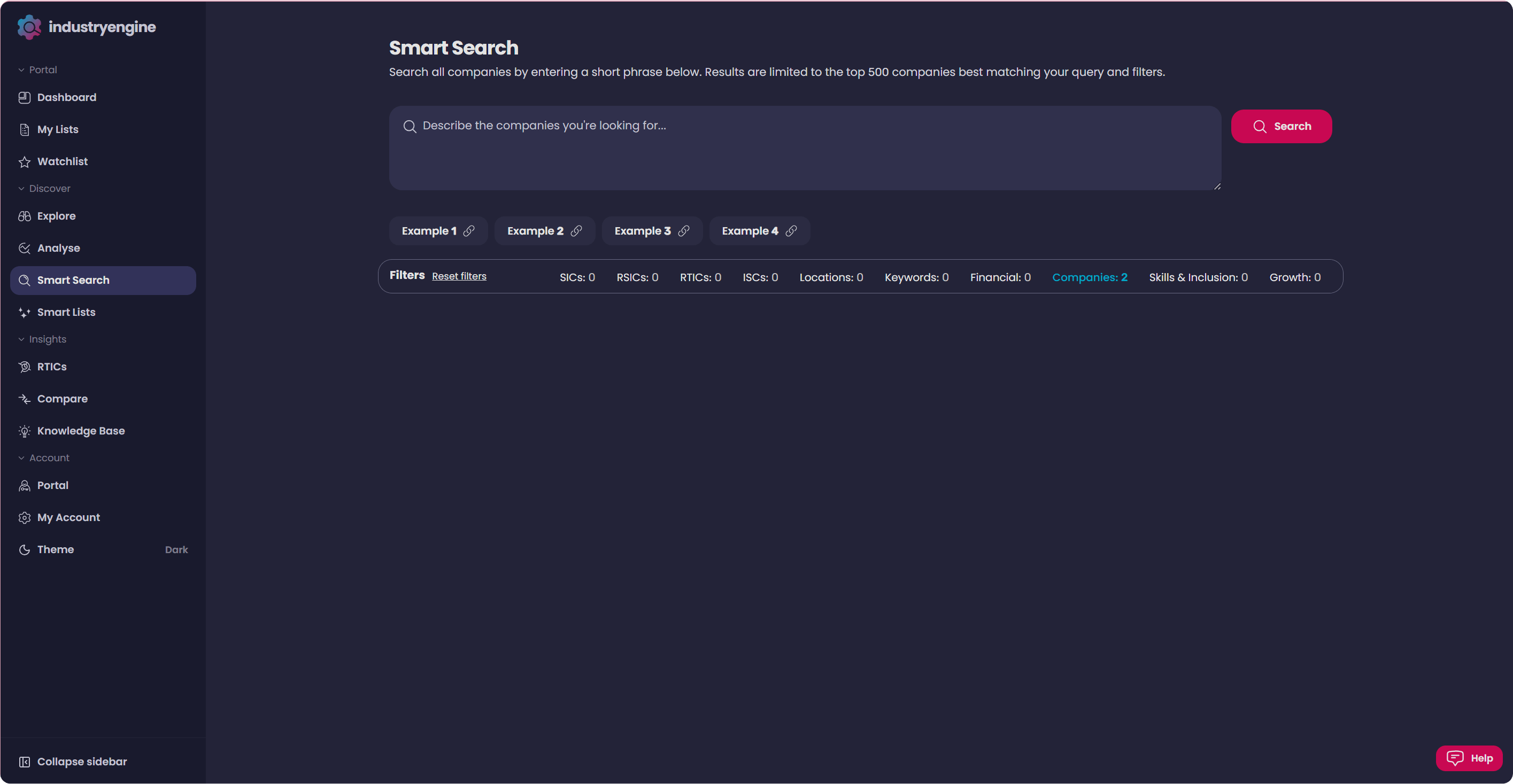
Smart Search lets you find companies using phrases, concepts, or even full paragraphs, not just keywords. If you can describe the kind of company you’re looking for in a sentence, Smart Search can find it. It’s the fastest way to explore the database when you don’t know the exact RTIC or SIC code you need.Building an Smart list: Want to find out more? View our full in-depth, step-by-step Smart List guide today.
Explore
EXPLORE is where you see the company database, RTICs, and your own lists in full. It shows companies with key data highlighted for each, useful for training a Smart List or vetting prospects at a glance.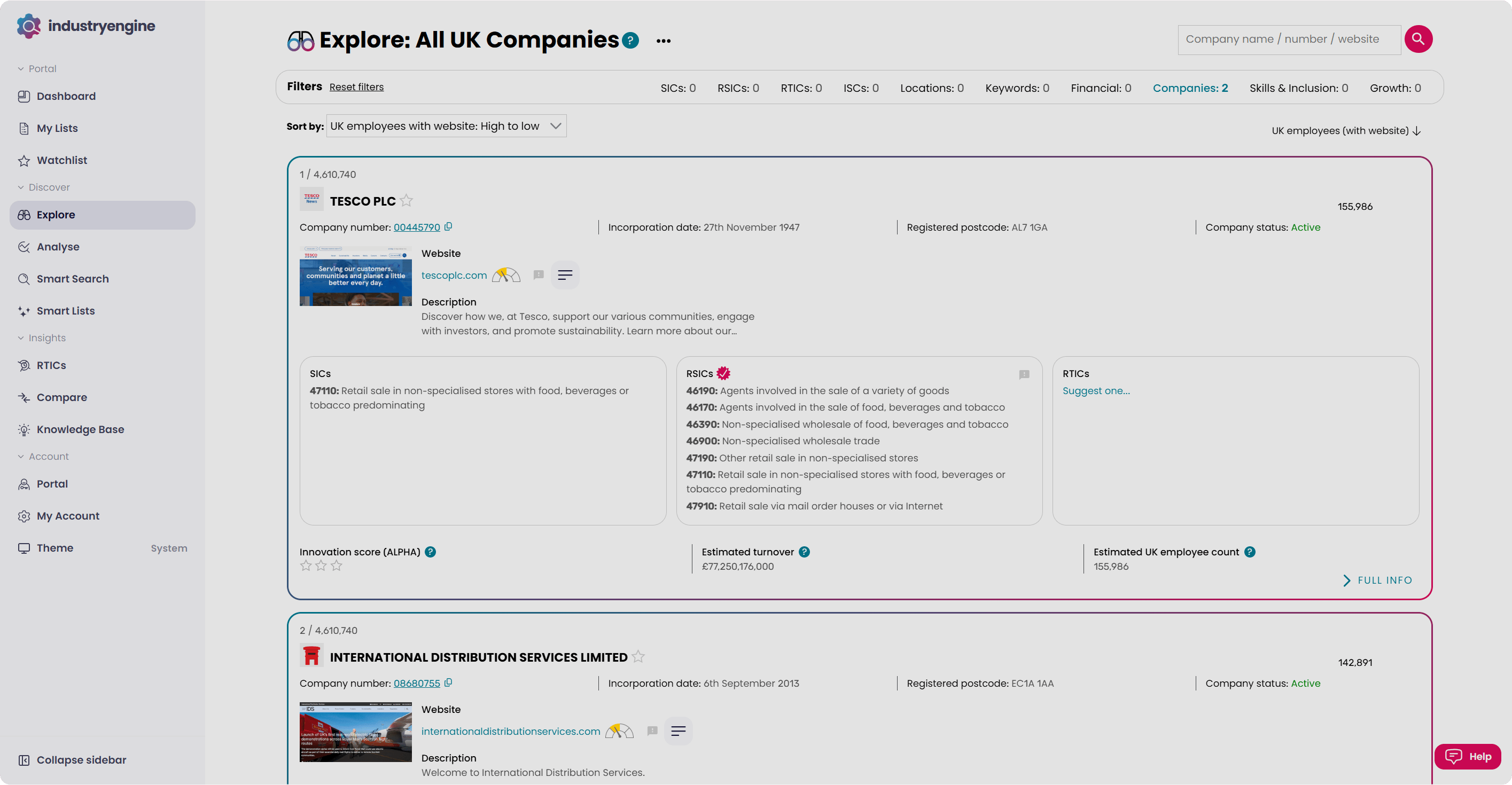
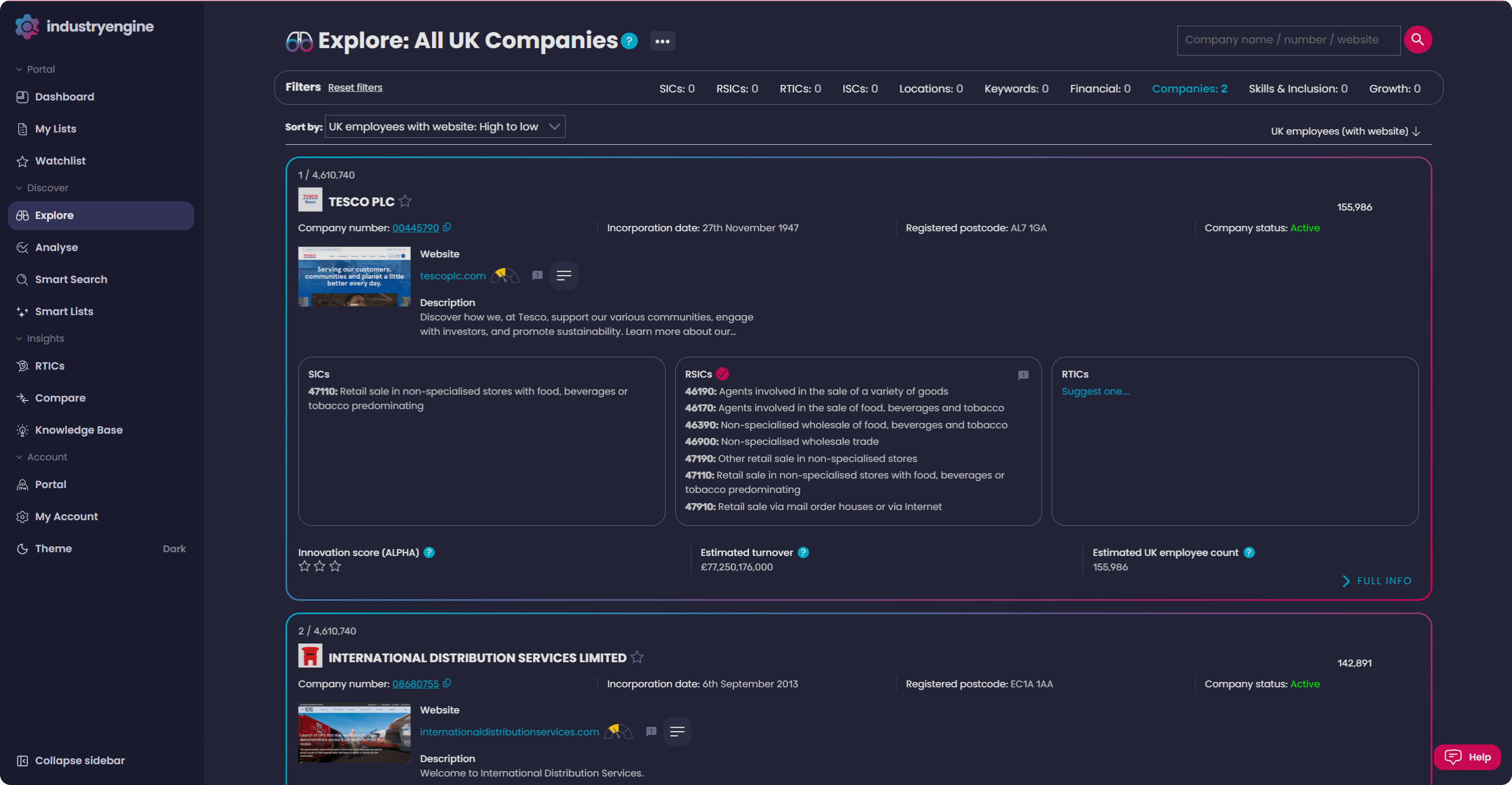
Note: Read more about our data, and how to make the most of it, on our data page.


Using EXPLORE: Find out more about our EXPLORE tool and how it works in our Using Explore guide.
Analyse
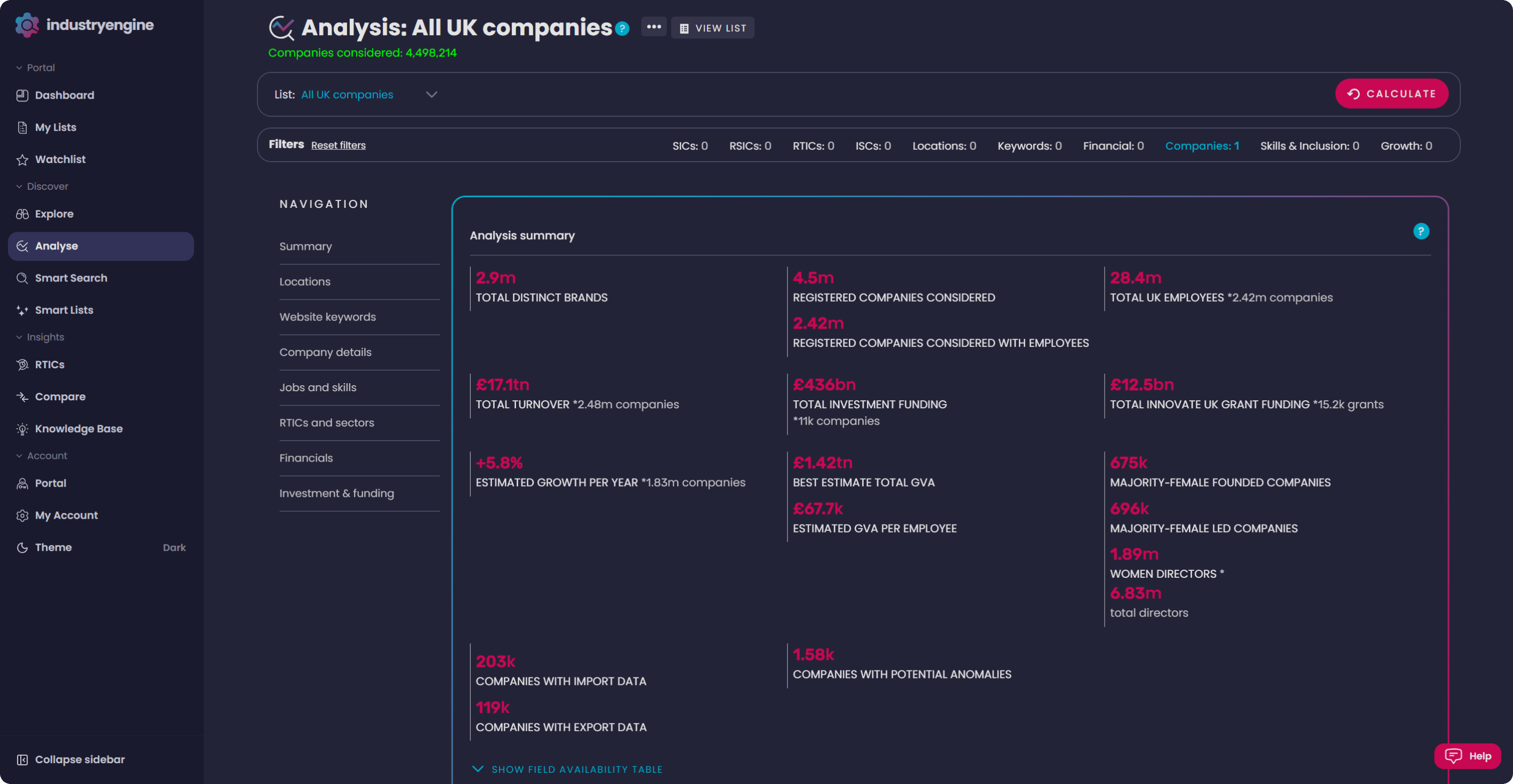
ANALYSE takes your research further with a suite of dashboards and statistics, built for getting a macro view of a sector or list so you can spot trends and opportunities across larger datasets. Every graph and table in ANALYSE can be filtered or edited: change the field, the data format, or the chart type to suit your analysis. Load Smart Lists directly into ANALYSE, jump into RTICs, or build your own analysis using the same filters as EXPLORE. Download your data for offline use, or view the full company list back in EXPLORE.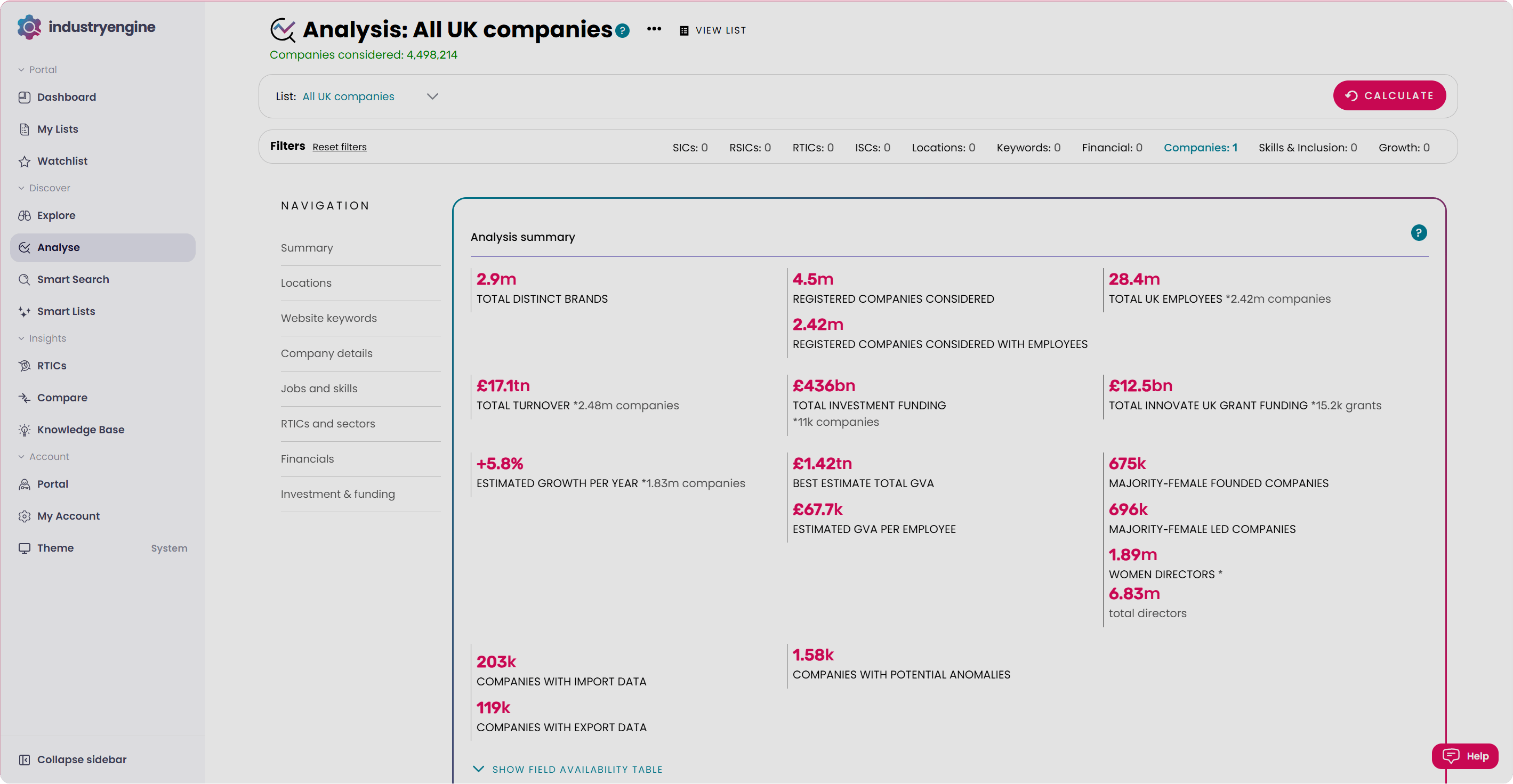
Building a Smart List
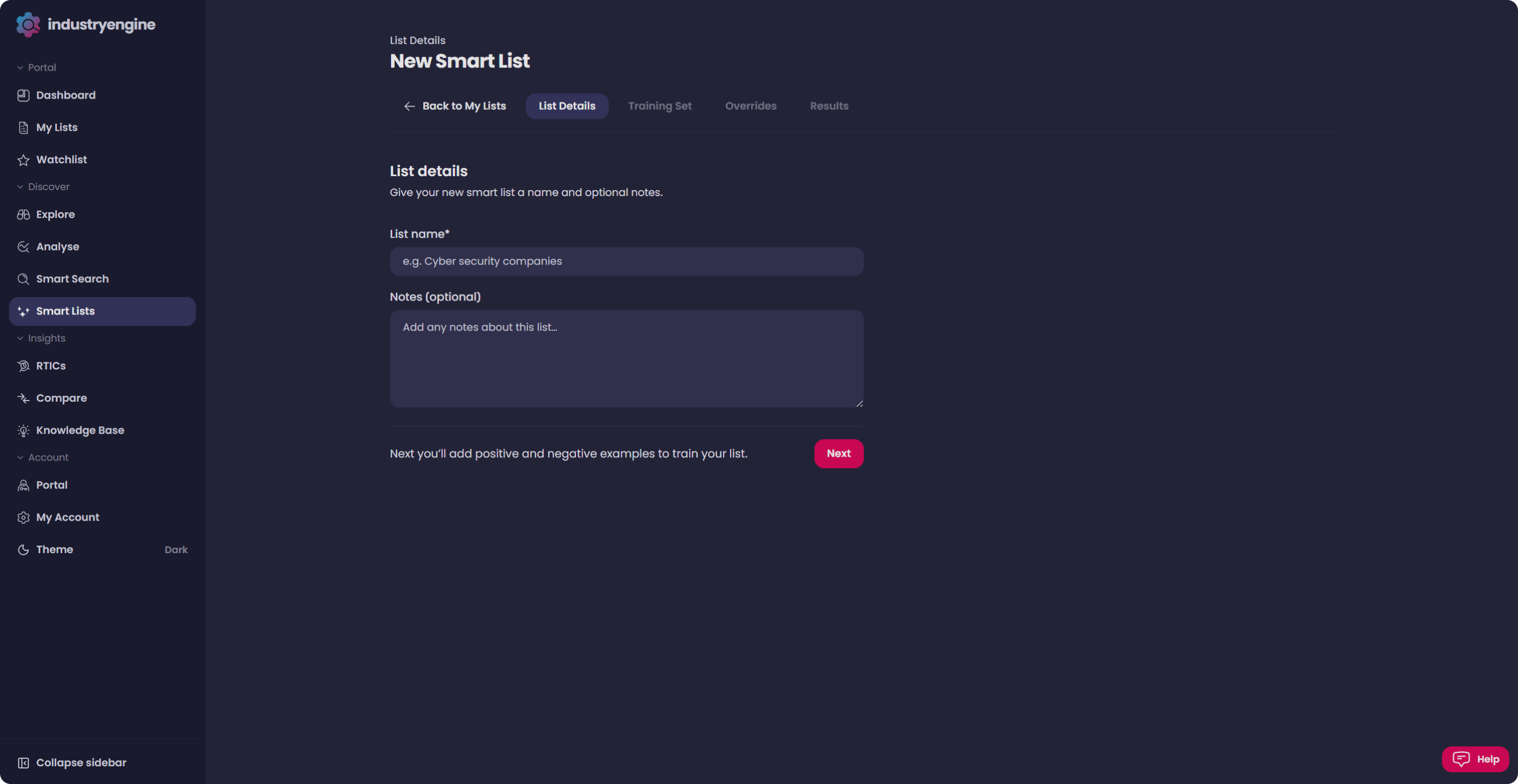
Alongside EXPLORE’s filters, you can build your own Smart Lists directly in the platform. The Data City’s AI helps you build bespoke company lists in minutes, using the same technology behind our expert-backed RTICs. Use Smart Lists to find companies in a niche sector, or upload a list of prospects to find lookalikes. To start, head to My Lists and select “Create a New List.”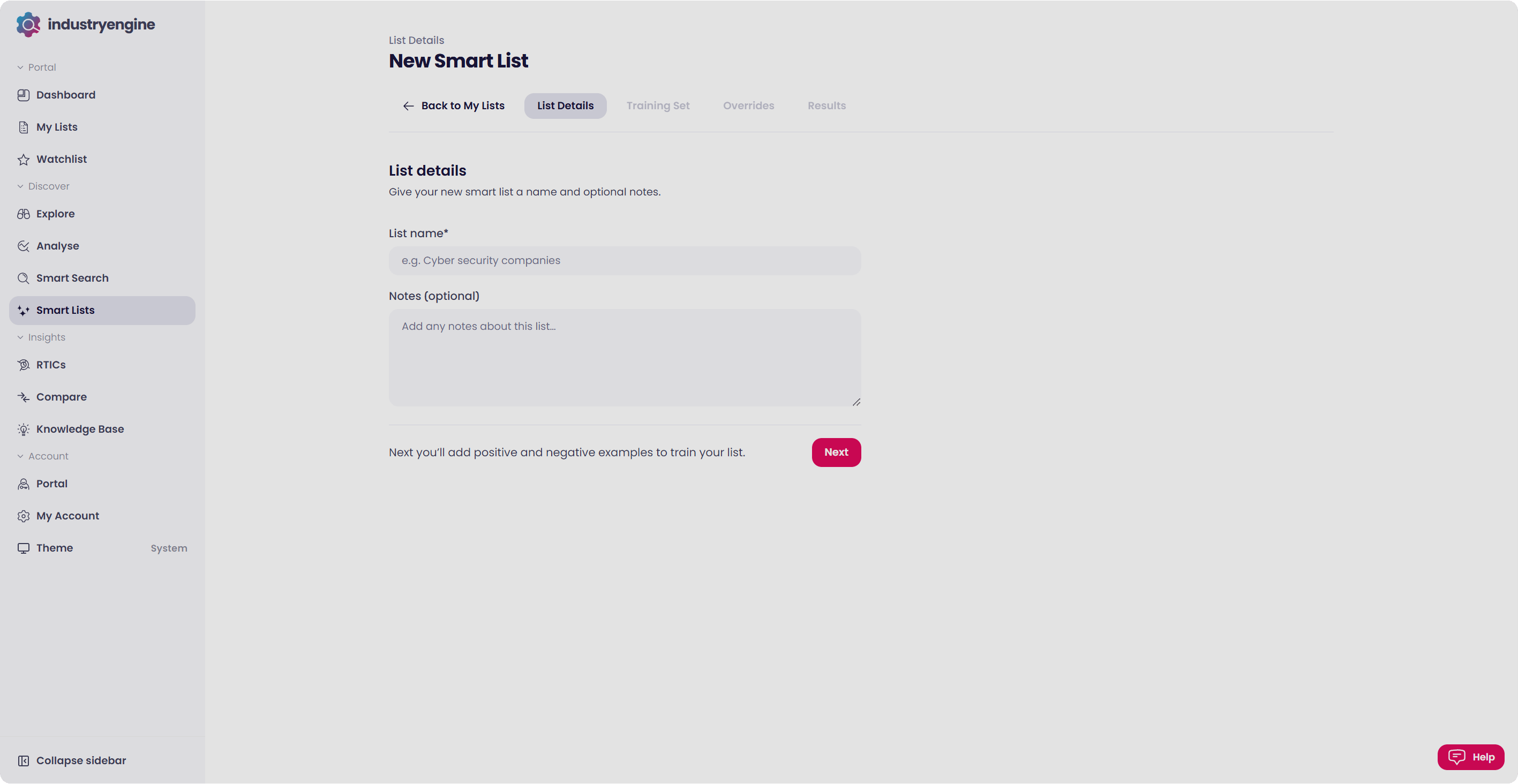
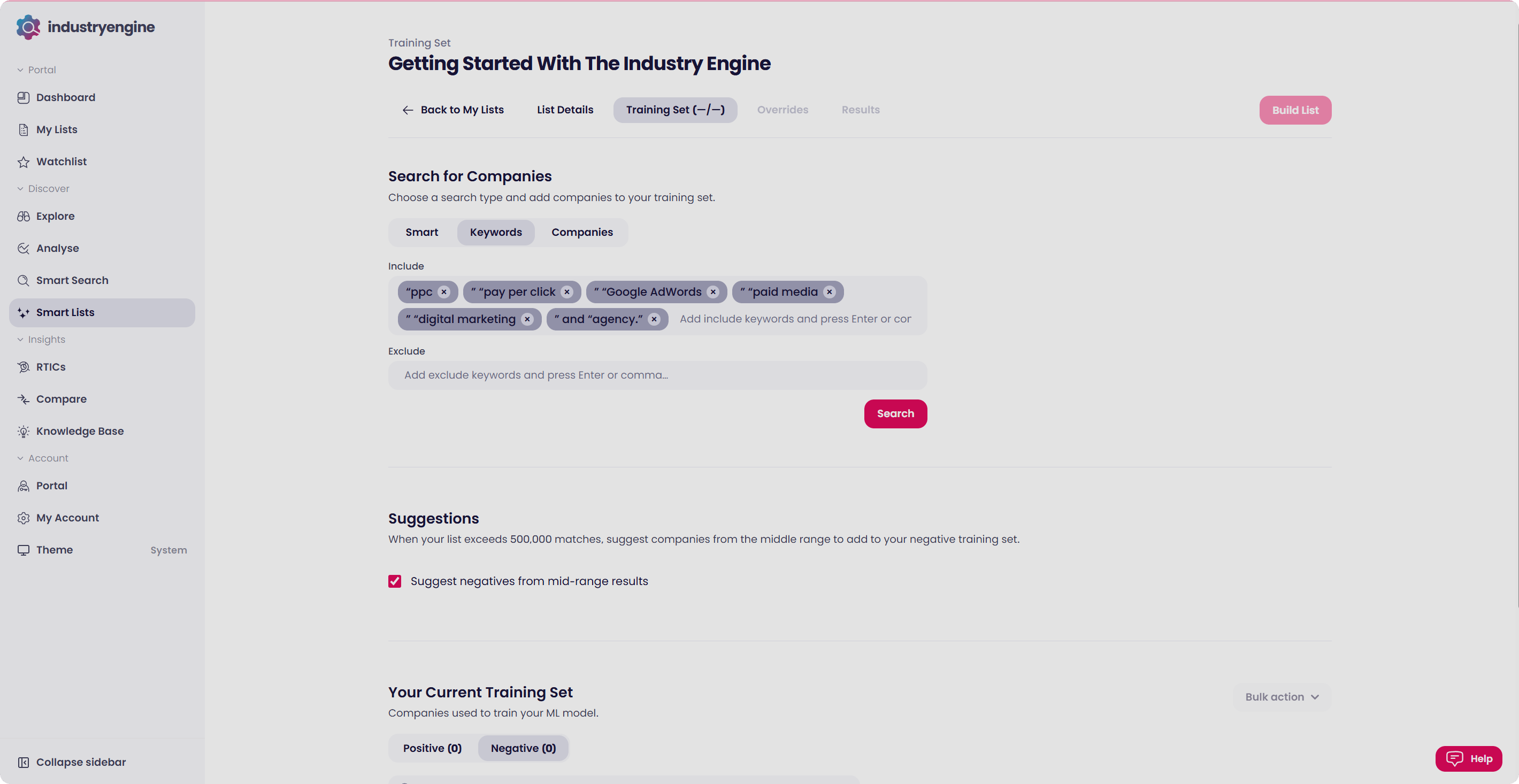
Example: Building a FinTech list? Add five FinTech companies you already know, such as Revolut, Monzo, Starling Bank, Klarna, and Experian.
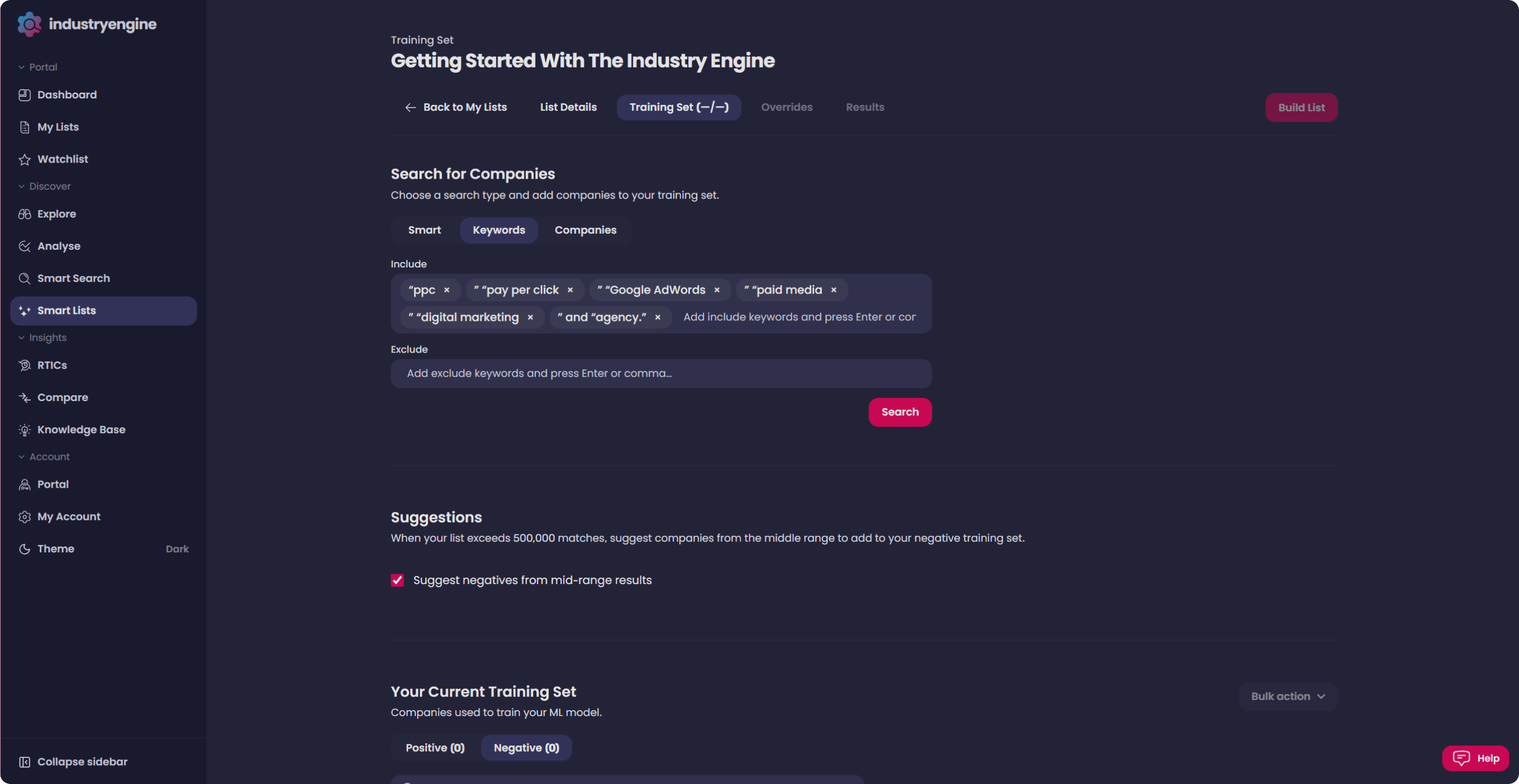
Note: Want the full walkthrough? Read our step-by-step Smart List guide.
My Lists
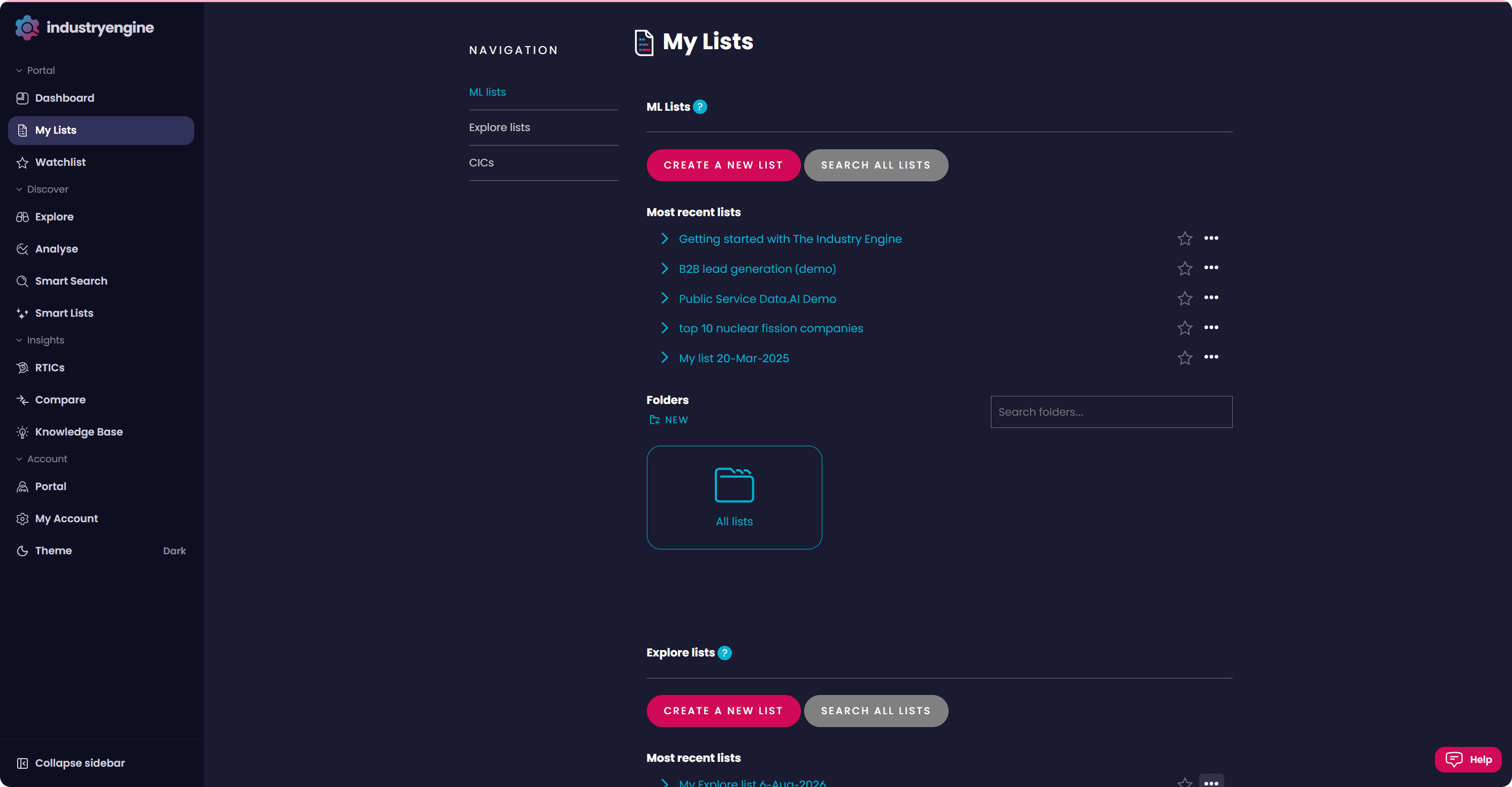
Head to My Lists for a full view of your lists and searches.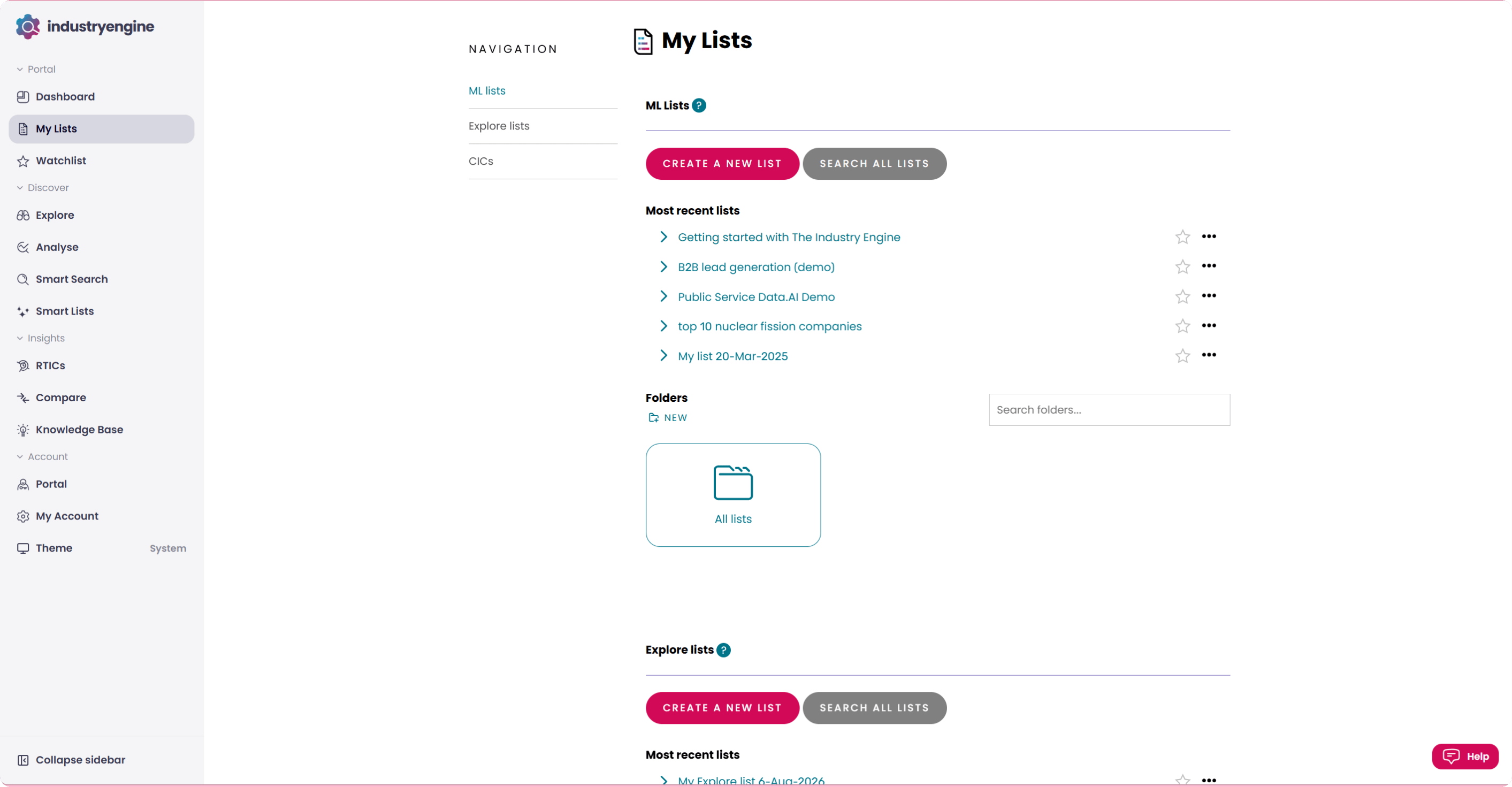
Working with the data programmatically?
Want to pull data directly into your own systems? The Data City’s API gives you programmatic access to Industry Engine, including RTICs, company data, and our Global Company Data API covering the US, France, Germany, and Ireland. Head to the API quickstart to get set up.What’s next?
Now you know the basics, you’re free to explore. Our Knowledge Base has step-by-step guides, use cases, and FAQs for everything else.Quick links
- Glossary / Data Dictionary - every data point we hold, in one place
- Using our data safely - things to bear in mind, including a few limitations